- 1. Slack
- 2. Gitlab
- 3. Github
- 4. Bitbucket
First, create a unique Webhook to integrate with workSonar. To do this, open the repository you want to monitor
Select Repository Settings then go to the Webhooks tab on the next screen in the settings.
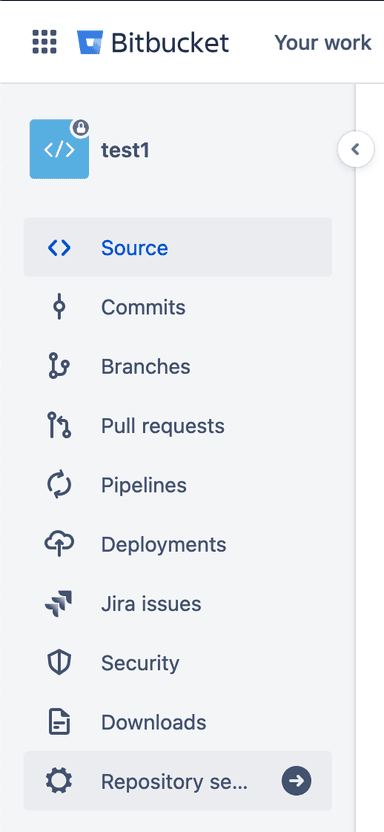
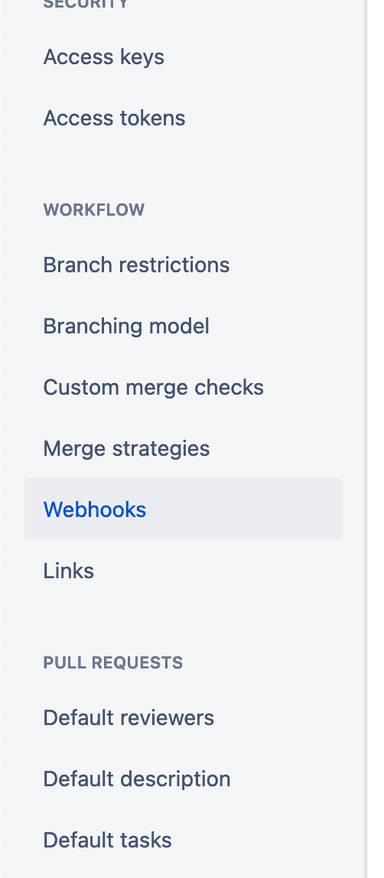
To create a new Webhook that will notify workSonar about employee activity, click the Add webhook button on the Webhooks tab in the Settings.
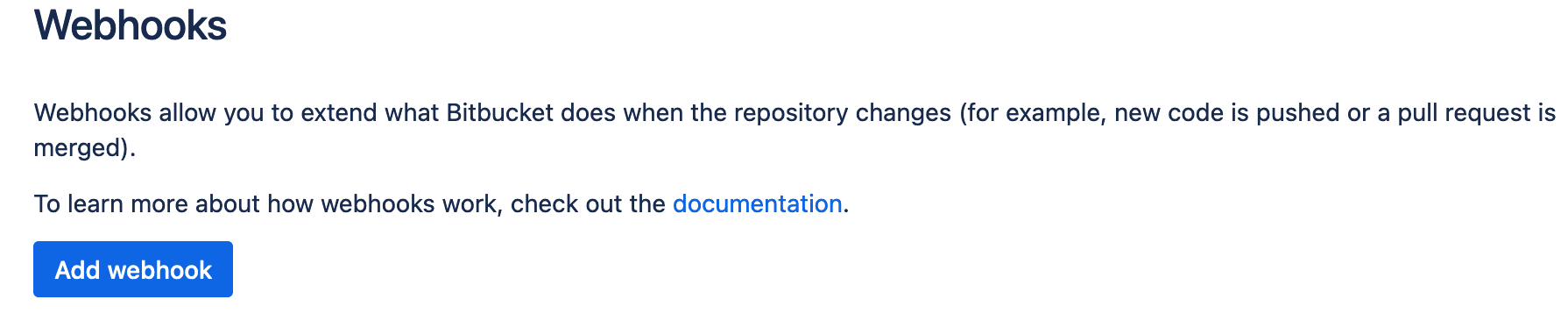 Image: Bitbucket Add Webhook Button
On the form, fill in the parameters for the new Webhook. The title is used to identify the Webhook, and we suggest naming it workSonar to make it clear where the data is being sent.
To collect user activity from the repository, you need to enter the URL where the data will be transmitted.
An important parameter is the Secret You can generate it or create it manually. Be sure to save this information. Later, when integrating users with the repository on the /integrations page in the workSonar portal.
You will be asked to provide the Secret for each user from the repository.
Each repository should have one Webhook and oneSecret and may have unlimited integrated user.
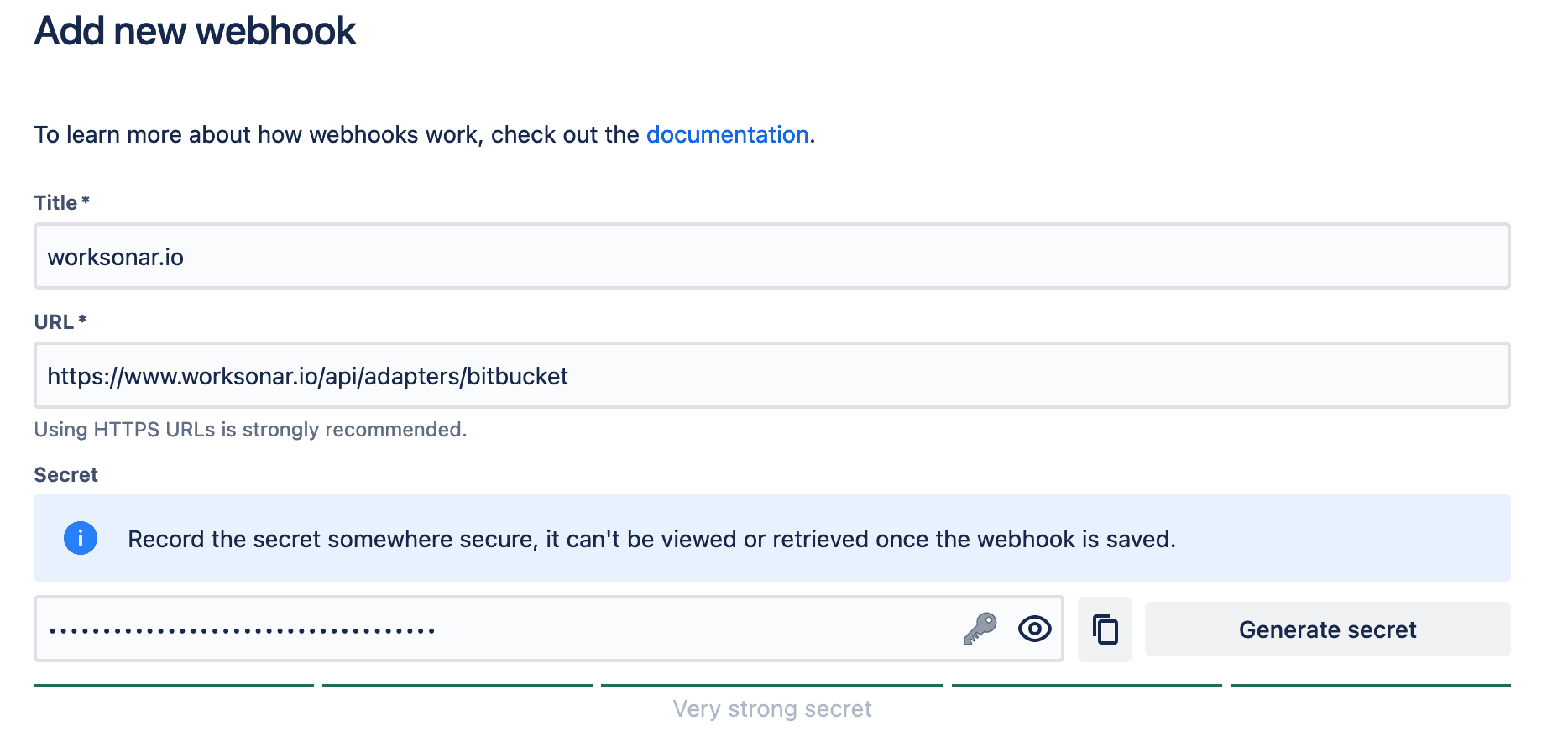 Image: Bitbucket Url and Secret Form
The next step in the form is to check the Active selector in the Status section. This will help avoid duplicates and unnecessary data.
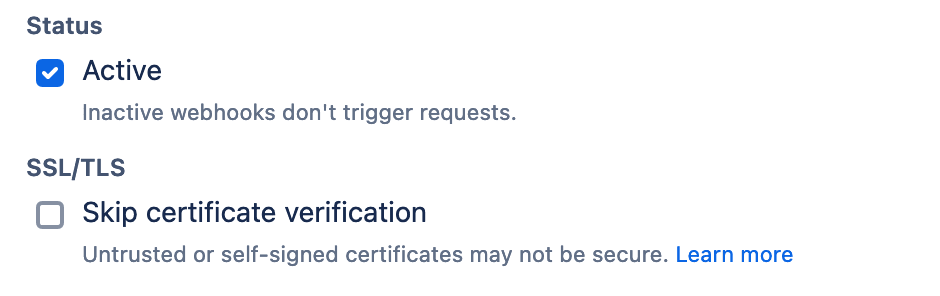 Image: Bitbucket Status Section
In the next Triggers section, select Push as the only option.
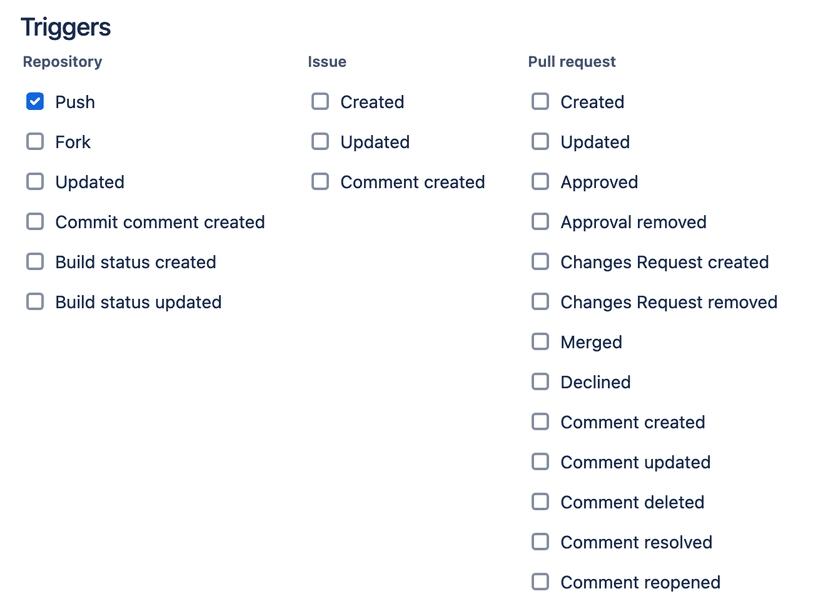 Image: Bitbucket Triggers Section
You are now ready to save the form by clicking the Save button and then navigate to the /integrations page on the workSonar portal to start adding users for activity monitoring.
After successfully integrating the Bitbucket Webhook, you can proceed to add users for monitoring.
To add a new user, go to the Bitbucket section on /integrations tab
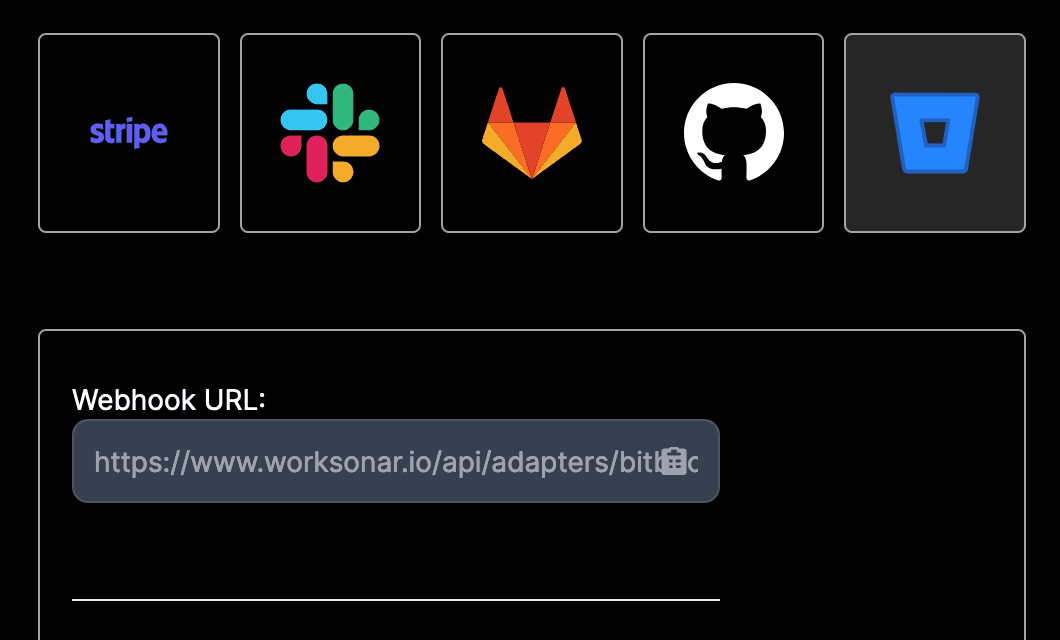 Image: Bitbucket Integration Tab
First, select a user from the list of available Slack users to whom you want to assign the Bitbucket repository.
 Image: Select Slack User
Next, you will be asked to provide the unique repository number.
You can find this in your Bitbucket project by going to the project details.
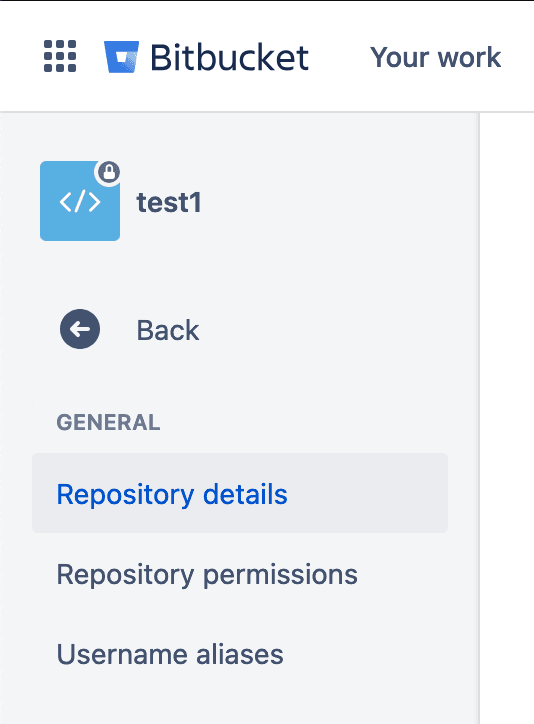 Image: Bitbucket Repository Details
In the project details, expand the Advanced section.
 Image: Bitbucket Advance Details
The project ID information is located at the very bottom under the key UUID.
 Image: Bitbucket Repository UUID
Please copy this number and enter it into the Bitbucket Project Id field in workSonar.
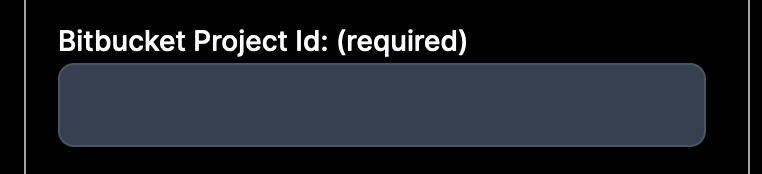 Image: Bitbucket Project ID Input
To obtain the Bitbucket User Id, go to your Bitbucket project, then select the settings icon from the header and navigate to the User Management page.
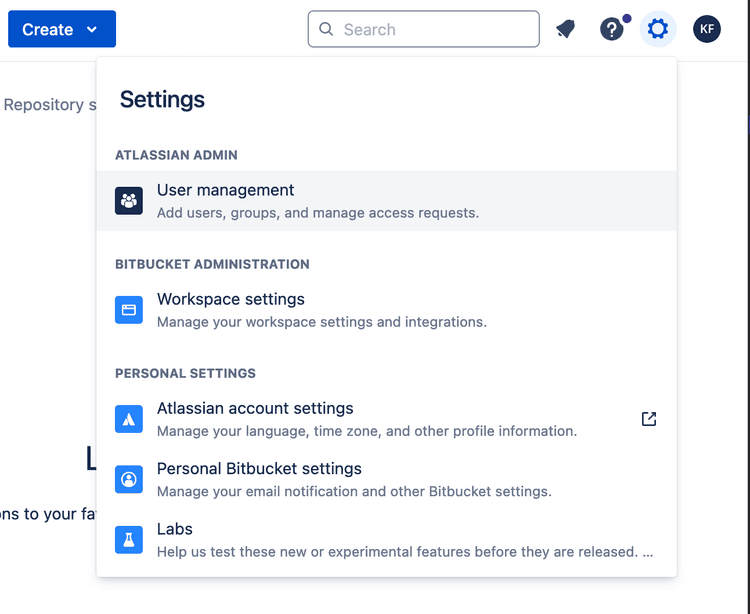 Image: Bitbucket User Management Page
On the Users page, find the user you want to assign to the selected Slack user on the workSonar page.
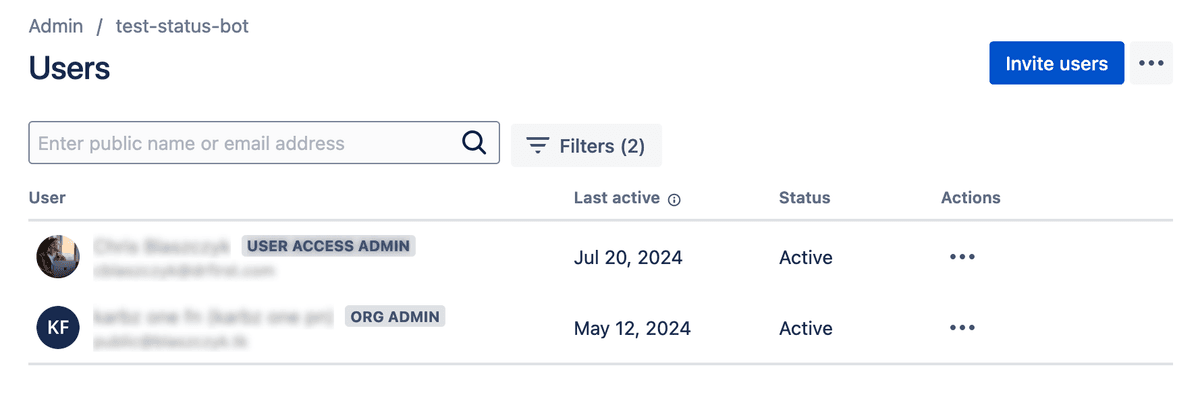 Image: Bitbucket Users List
Go to the user's page by clicking on their entry in the user table.
Then, copy the value from the Full Name field.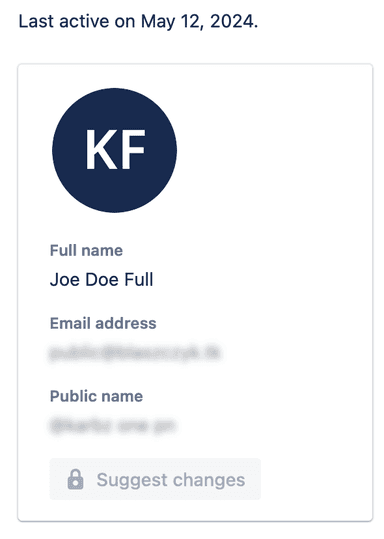 Image: Bitbucket User Full Name Value
Paste the copied value into the Bitbucket User Id field on the workSonar form.
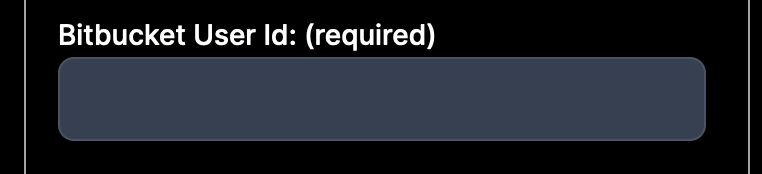 Image: Bitbucket User Full Name ValueImage: Bitbucket Webhook secret form
After pressing the Add button, your configuration should appear in the table of integrated repositories below.
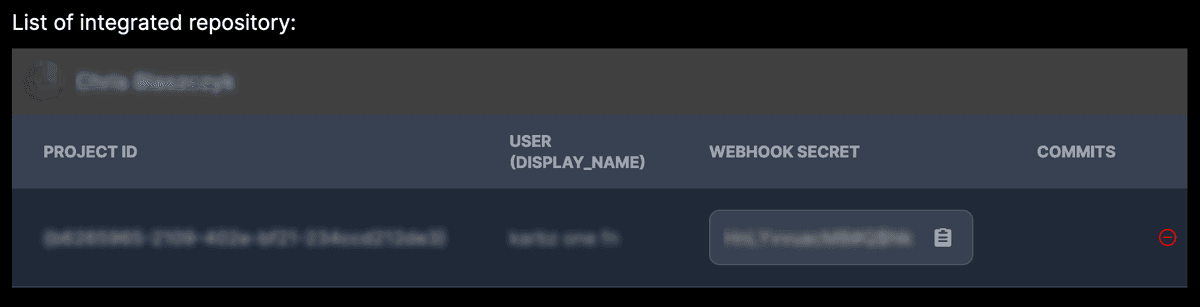 Image: Bitbucket User Integrated Success
From now on, when the user sends monitored events, a pulsing identifier indicating the event will appear next to their activity on the /dashboard tab.
Clicking on the identifier will open a modal with a list of activities within the specified time frame.
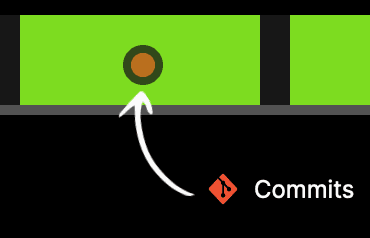 Image: Commit Event Identifier
To remove a repository assigned to a user, go to the /integrations page and select the Bitbucket tab.
Choose the user from the selector and scroll down to review the assigned repositories.
Image: Select Slack User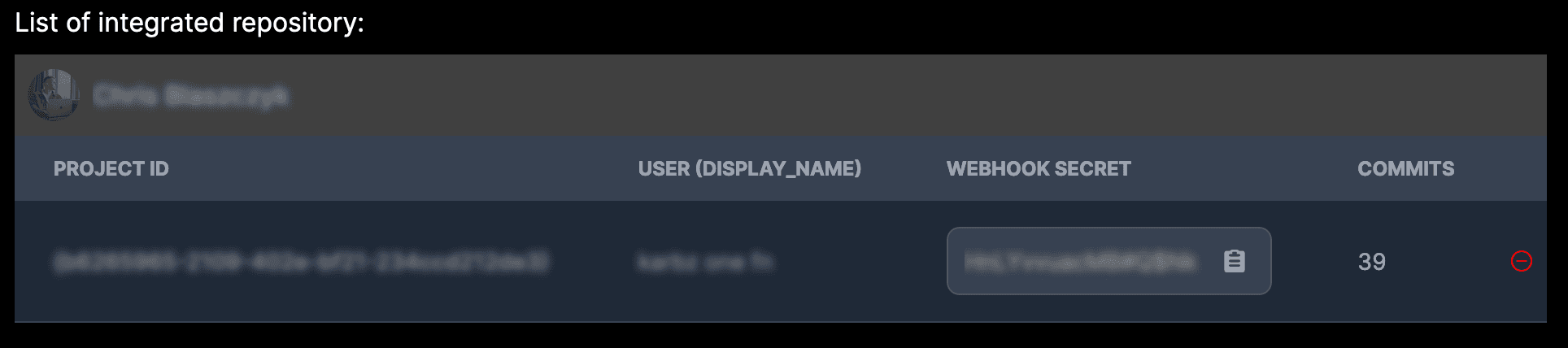 Image: Bitbucket User Integrations
Click the red delete button next to the desired repository.
A confirmation modal will appear, informing you that the data will be permanently deleted from the database.
To remove a full integration, the best method is to delete each Bitbucket repository assigned to each user. However, this isn't necessary.
Simply go to your repository and delete the previously added Webhook.
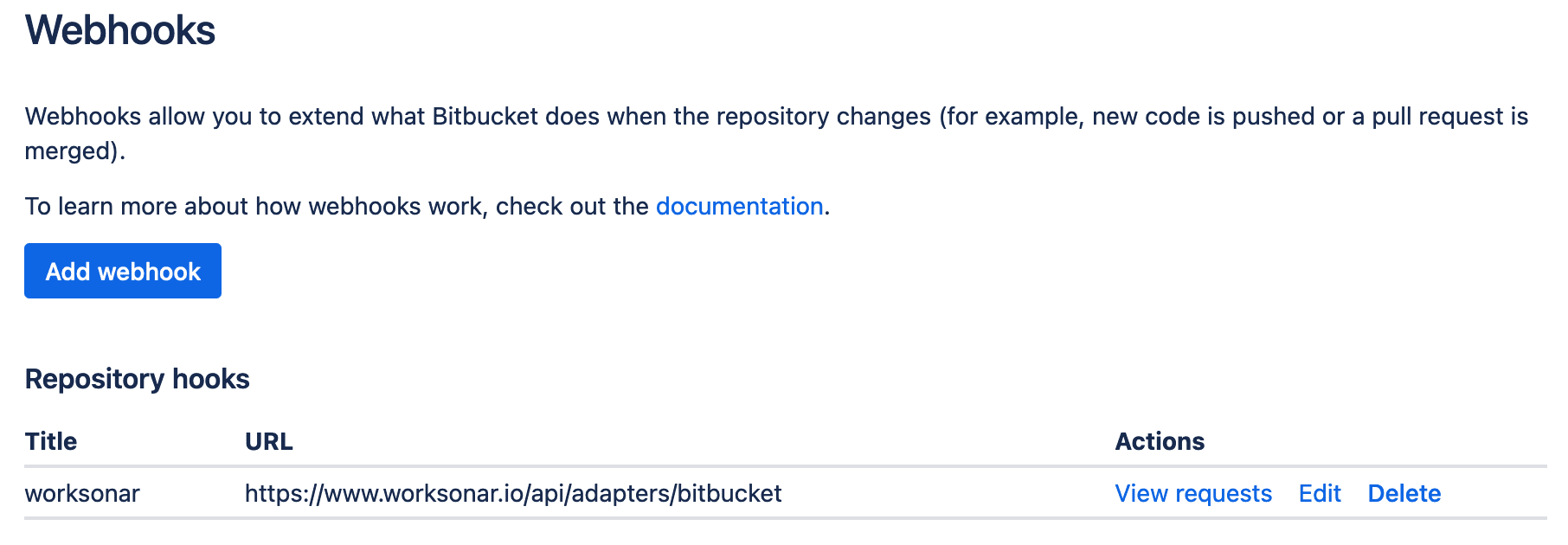 Image: Bitbucket Webhooks List
A service to monitor your team's work in real time
Copyright © 2026 - All rights reserved
Manifesto Labs Prosta Spółka Akcyjna
KRS: 0001206571 NIP: 7831942116 REGON: 543299889
Pl. Wiosny Ludow 2, 61-831 Poznan, Polska